
Find this module in Shopify Stores > Edit Checkout > Setup.
How it works
These settings affect customer trust and post-purchase support. Keep brand values consistent with the Shopify storefront, ads, emails, and policy pages.Settings reference
Store name
Store name
You will set: Text fieldThe brand name customers see in checkout. Use the name customers know from the storefront or campaign.Example:
Acme WellnessWebsite
Website
You will set: URL fieldThe store website customers return to from brand links. Use a production storefront URL, not a staging or admin URL.
Brand color
Brand color
You will set: Color pickerThe checkout accent color used for buttons, links, and checkboxes. Pick a color with enough contrast so controls remain readable.
Logo image
Logo image
You will set: Image uploadThe logo shown on checkout. Upload a clean PNG or JPEG in the editor; Paysight hosts the uploaded image and saves the hosted image URL for checkout.
For image to save, you must upload the image, and then save the checkout.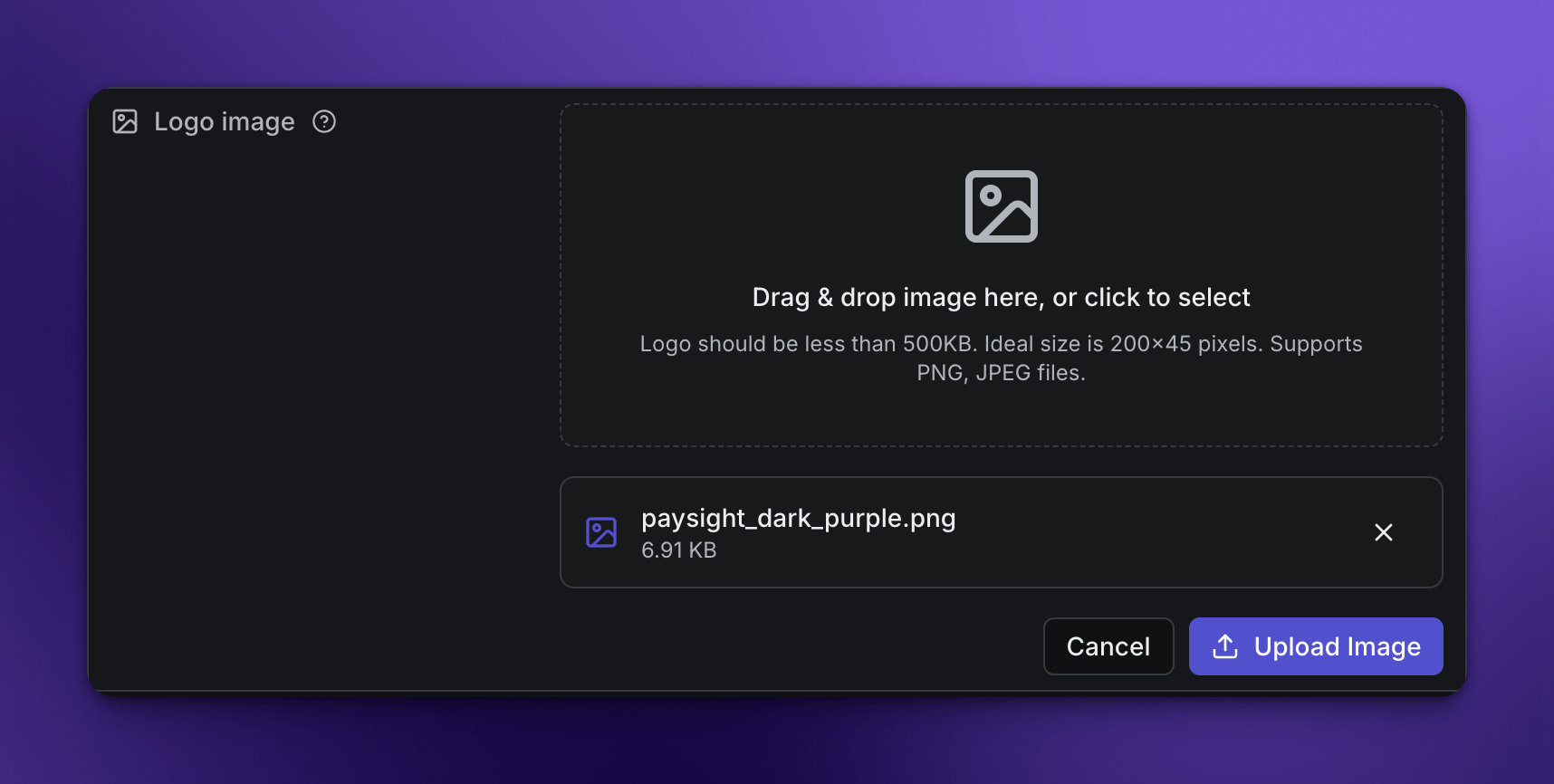
For image to save, you must upload the image, and then save the checkout.
Support email
Support email
You will set: Email fieldThe customer support inbox shown after checkout. Use an inbox the client actively monitors.
Support phone
Support phone
You will set: Phone fieldThe phone number customers can use for support. Include country code when serving multiple regions.
Support URL
Support URL
You will set: URL fieldA help center, support portal, or contact form customers can use after checkout.
Examples
- Simple setup
- Full support setup
- Brand refresh
Set Store name, Website, Brand color, Logo image, and Support email for a clean launch.
Before saving
- Use absolute URLs with
https://. - Preview the logo on mobile and desktop.
- Keep support destinations consistent with Footer Links and policy pages.
Related modules
System Settings
Review store identity, Shopify domains, country, and currency.
Checkout Content
Manage labels, regional behavior, reserve timer, and mobile checkout behavior.
Footer Links
Manage customer-facing policy, support, and footer destinations.